Introduction
How we build, create, and deploy websites has dramatically changed in the past decade. From static HTML sites to dynamic apps built on top of advanced backend frameworks, today's available tools are more capable than ever. But with capability usually comes complexity, and developers always seek means to make workflows easier while still producing scalable and professional-quality applications.
This is where Strapi and Lovable enter the scene.
Lovable is a platform powered by AI that enables developers to create front-end UIs fast and visually, cutting out the mundane jobs of coding user interfaces. It specializes in UI generation, iteration, and teamwork, making it an effective tool for developers and designers alike.
Strapi is a headless CMS (Content Management System) that provides developers with complete control over content and APIs. You can manage content with ease and serve it via REST or GraphQL APIs to any frontend application — be it React, Vue, Angular, or even mobile applications.
We will delve into the following in this blog:
This article shall provide you with a detailed, in-depth, yet accessible explanation — something that developers, project managers, and even business owners may find useful about these tools.
Part 1: Understanding Lovable
1.1 What is Lovable?
Lovable is an AI-powered tool that helps developers design and build user interfaces. It automates the boring task of writing boilerplate UI code, giving developers a starting point. Think of it as a co-pilot for UI development — it doesn't replace your work, but it speeds up your process work.
Some of its most significant abilities are:
1.2 Advantages of Lovable in UI Development
Here are the main reasons why Lovable is valuable for frontend developers:
1.3 When to Use Lovable
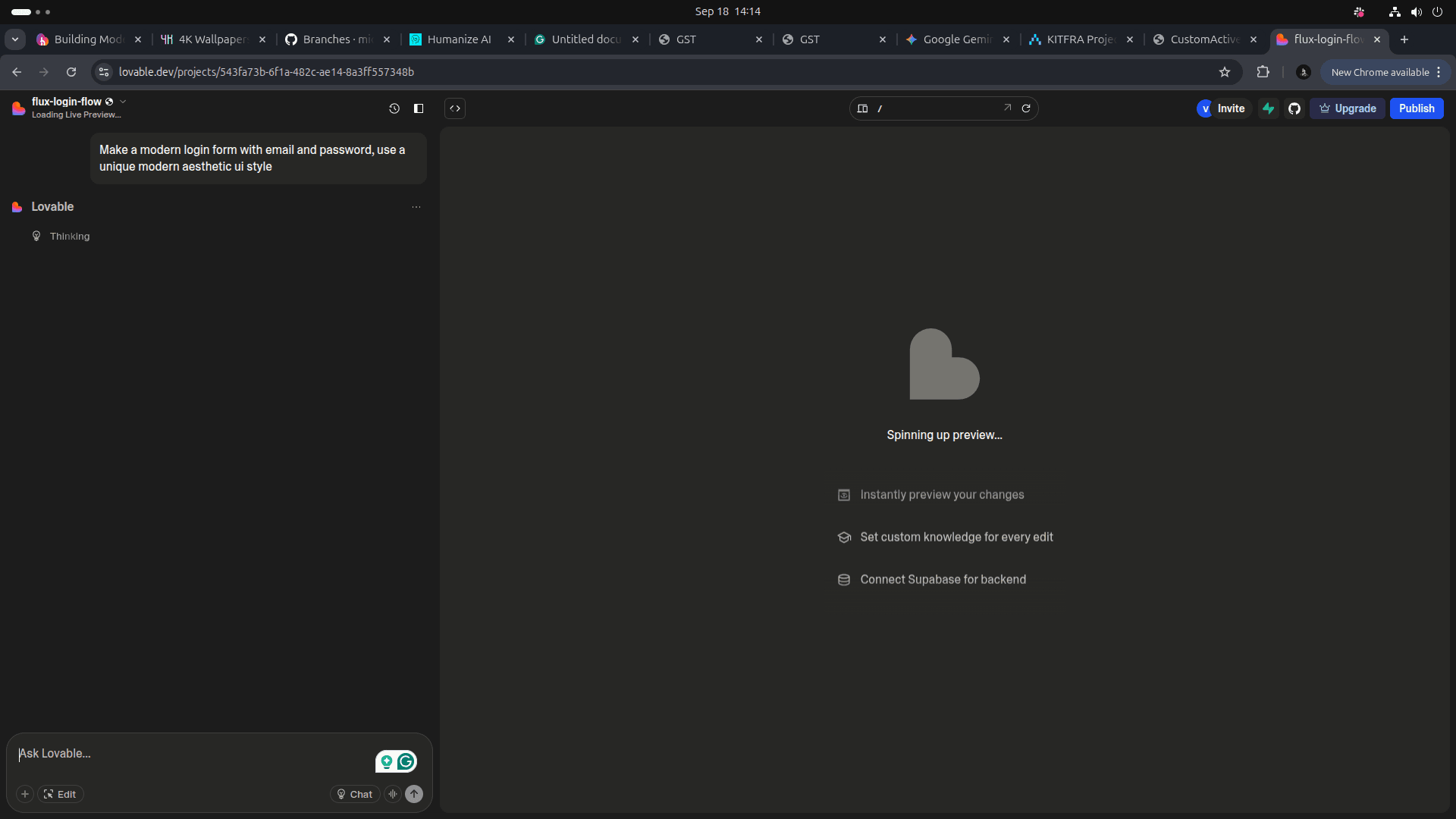
1.4 Example: Generating a Simple UI with Lovable
Suppose we want a simple login form. Lovable might generate something like this (React + TailwindCSS):
export default function LoginForm() {
  return (
    <div className="flex items-center justify-center min-h-screen bg-gray-100">
      <div className="bg-white p-6 rounded-lg shadow-md w-80">
        <h2 className="text-2xl font-bold text-center mb-4">Login</h2>
        <form>
          <div className="mb-4">
            <label className="block text-sm font-medium">Email</label>
            <input
              type="email"
              className="w-full px-3 py-2 border rounded-md focus:outline-none focus:ring focus:border-blue-500"
              placeholder="Enter your email"
            />
          </div>
          <div className="mb-4">
            <label className="block text-sm font-medium">Password</label>
            <input
              type="password"
              className="w-full px-3 py-2 border rounded-md focus:outline-none focus:ring focus:border-blue-500"
              placeholder="Enter your password"
            />
          </div>
          <button
            type="submit"
            className="w-full bg-blue-600 text-white py-2 rounded-md hover:bg-blue-700"
          >
            Login
          </button>
        </form>
      </div>
    </div>
  );
}
This is simple, clean, and ready to integrate with backend logic. With Lovable, you don’t start from scratch.
Part 2: Understanding Strapi
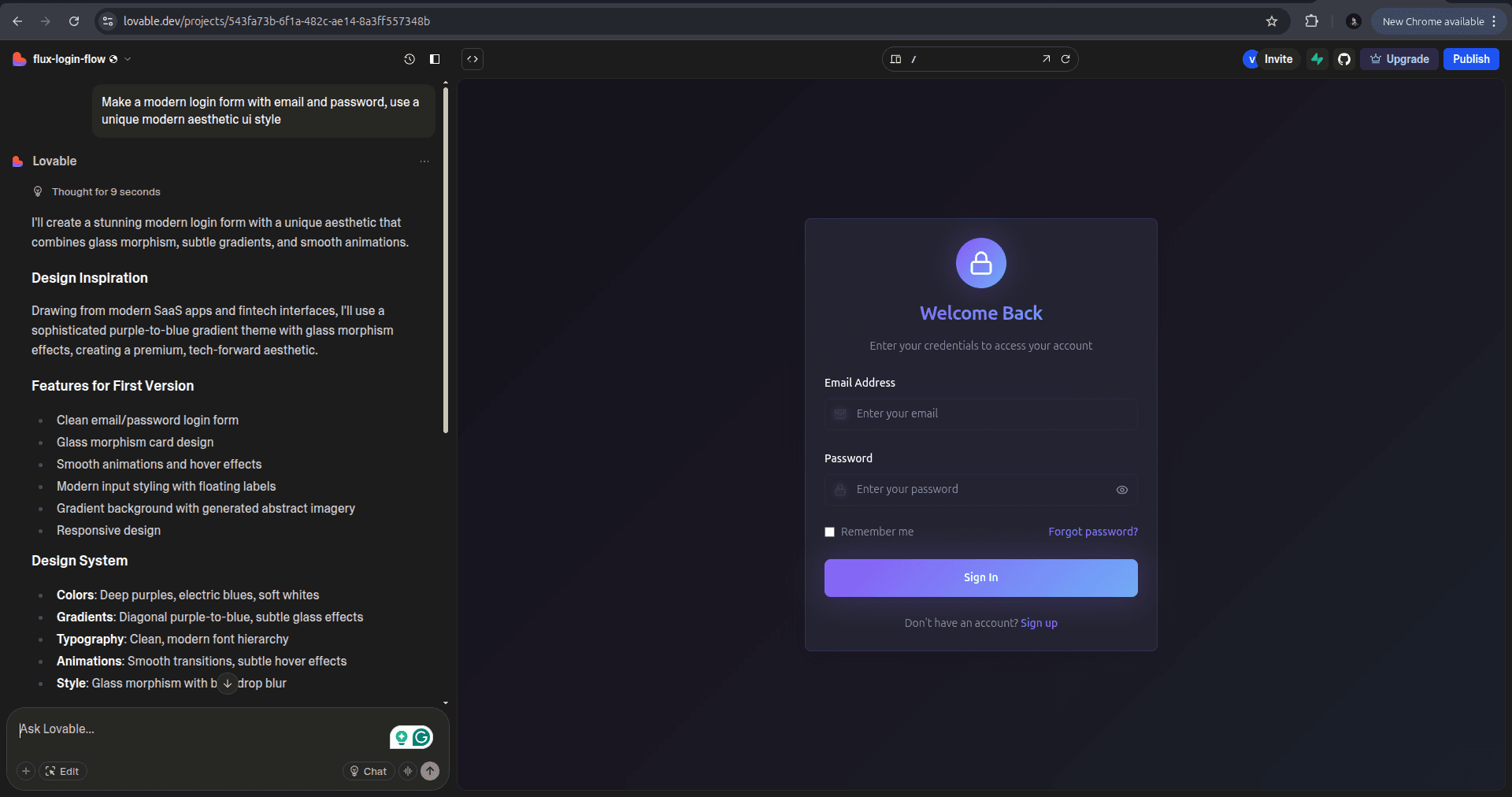
Strapi is an open-source headless CMS. In plain words:
CMS (Content Management System): An application that assists you in creating, storing, and organizing digital content without having to code everything manually. Headless: Strapi does not impose how the frontend will look, unlike traditional CMSs such as WordPress. Instead, it exposes APIs (REST or GraphQL) that you can use in any frontend technology.
This makes Strapi very flexible for developers.
2.3 Advantages of Strapi
A CMS is a Content Management System — a solution that makes managing content without constructing everything by hand possible.
Examples of traditional CMS: WordPress, Drupal, Joomla.
Examples of Headless CMS: Strapi, Contentful, Sanity. Advantages of Strapi CMS over traditional CMS:
Decoupled: Presentation and content are decoupled.
Modern: Compatible with modern frameworks.
Scalable: Suitable for large applications.
Developer-friendly: Developed using modern JavaScript stack.
2.5 Example: Fetching Data from Strapi
Let’s say we created a Blog Post collection in Strapi. The API endpoint looks like:
http://localhost:1337/api/postsWe can fetch this in a React app:
import { useEffect, useState } from "react";
import axios from "axios";

export default function BlogPosts() {
  const [posts, setPosts] = useState<any[]>([]);

  useEffect(() => {
    axios.get("http://localhost:1337/api/posts?populate=*").then((res) => {
      setPosts(res.data.data);
    });
  }, []);

  return (
    <div className="p-6">
      <h1 className="text-3xl font-bold mb-4">Blog Posts</h1>
      {posts.map((post) => (
        <div key={post.id} className="mb-6 p-4 border rounded-lg">
          <h2 className="text-xl font-semibold">{post.attributes.title}</h2>
          <p>{post.attributes.content}</p>
        </div>
      ))}
    </div>
  );
}
This shows how Strapi integrates seamlessly with a modern frontend.
Part 3: Combining Lovable and Strapi
The actual power is when you combine both tools:
Together, this means:
Part 4: Benefits of Using Strapi CMS in Website/WebApp Development
Quicker Development
Concern Separation
Multi-Channel Publishing
Role-Based Access
SEO-Friendly
Secure Authentication
Part 5: Example Workflow – Building a Blog Website
This process permits quick development and expert results.
Part 6: Final Thoughts
Share this article
Loading comments...
© 2026 CloudHouse Technologies Pvt.Ltd. All rights reserved.